Choose your character
Start with one clear image of your AI-generated adult character.
A consistent character starts with a varied dataset. Here’s what happens between your reference and the model you download.
Start with one clear image of your AI-generated adult character.
We create a varied dataset and train a Krea2 model on your character.
Download your LoRA and open the included workflow to create new scenes.
We use your reference to create a character sheet with different expressions and viewpoints.
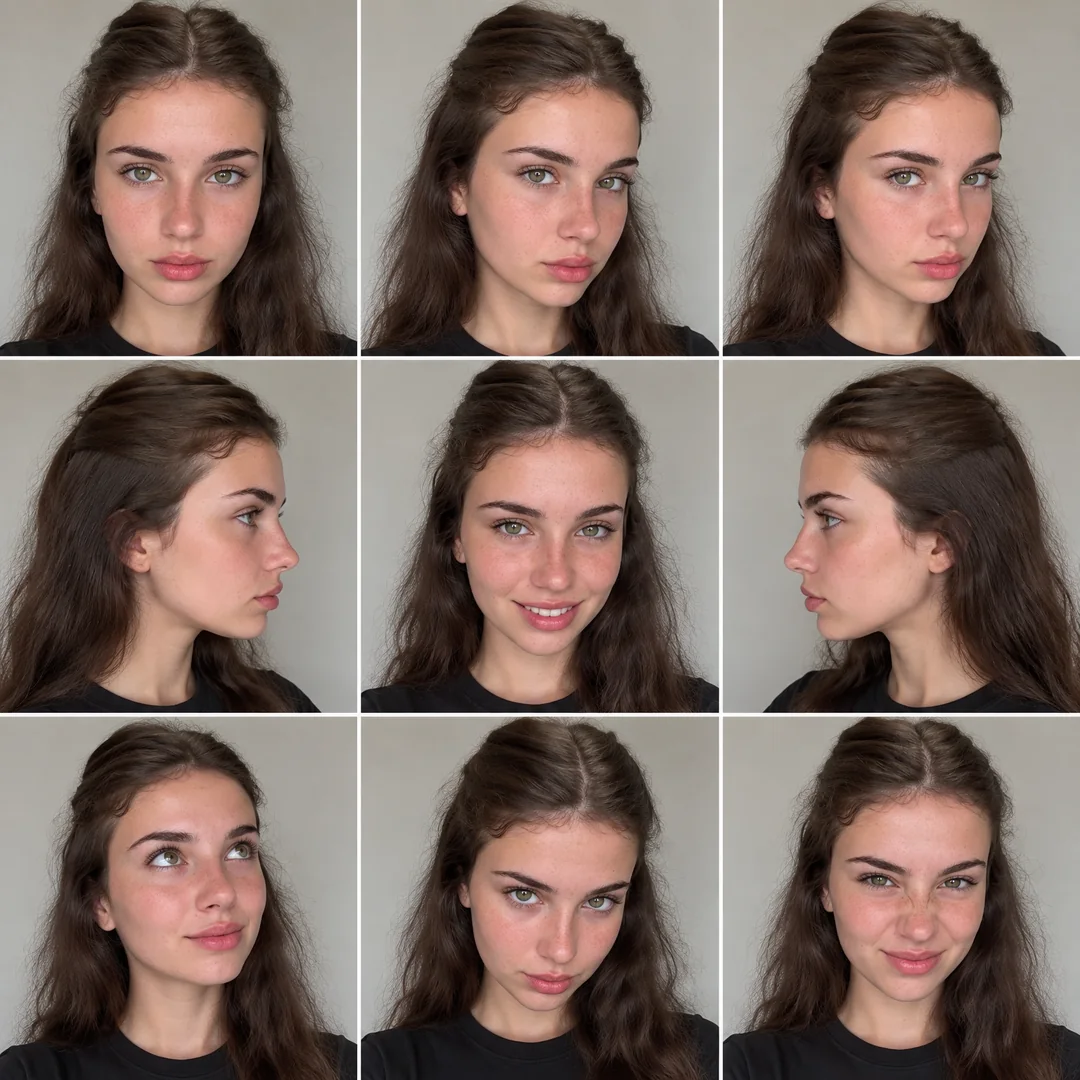 Example training asset · not a finished LoRA output
We generate 24 varied images from the sheet, then describe the actual images for training.
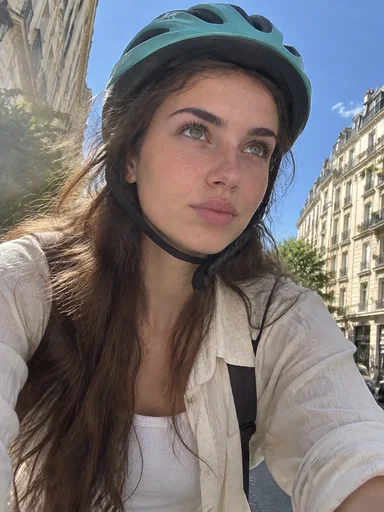
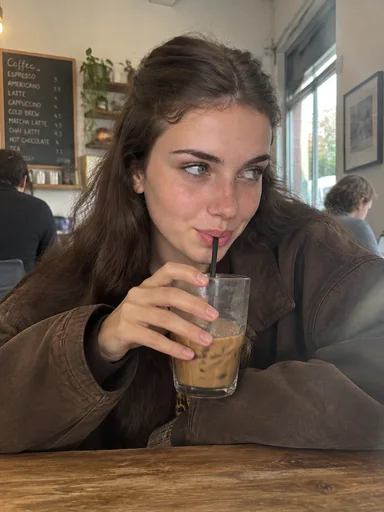
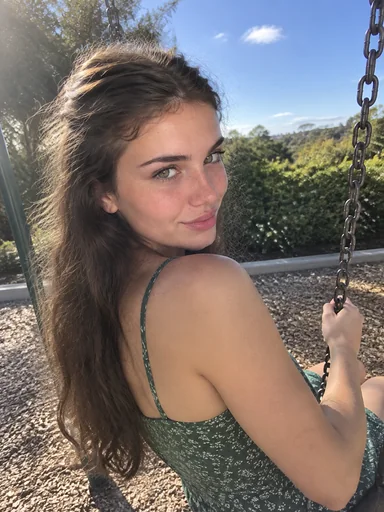
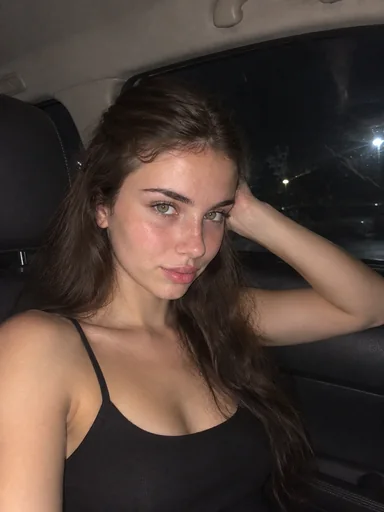
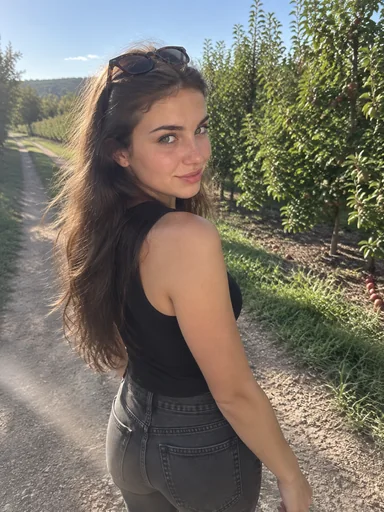
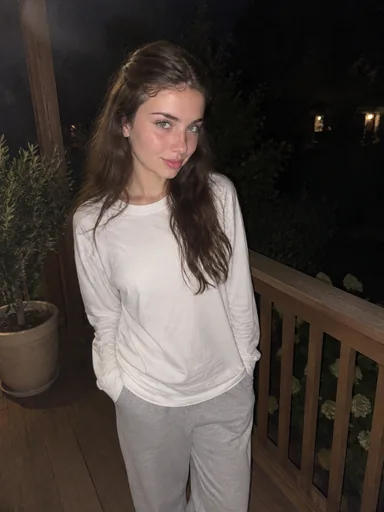
The dataset trains a Krea2 model. Once complete, your LoRA is available with a compatible workflow and setup instructions.
Start training · $29.99