Edit images with text using Boogu Edit. Change outfits, styles and scenes for your AI character or cartoon art in ComfyUI.
BooguImage, Text → ImageBeginner
Boogu is an open-source image model for creative, stylized and realistic images. Boogu Edit changes an image from a text instruction, using up to three reference images.
Great for:
Restyling characters into cartoon or anime looks
Changing an AI influencer's outfit or scene
Combining characters and objects
How it works
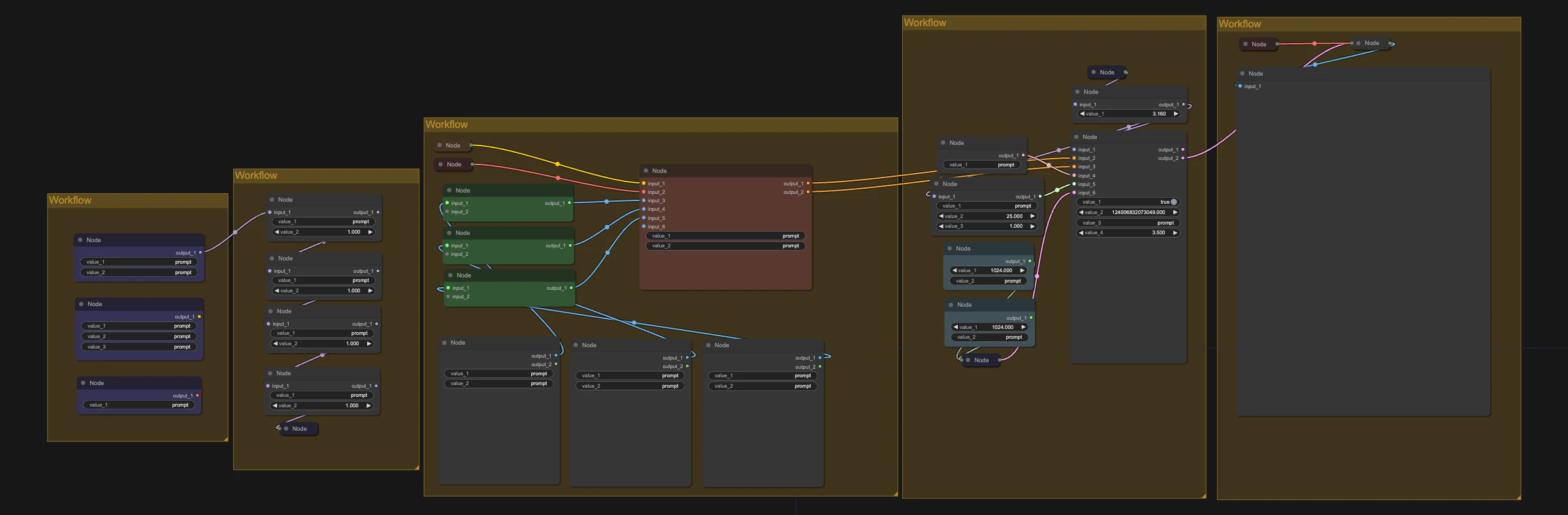
Load your reference images.
Describe the edit.
Run it with the default settings.
Make it yours with LoRAs
This workflow supports LoRAs. Grab character, style, anime or cartoon LoRAs from CivitAI or Hugging Face, drop them into the LoRA loader, and keep your AI character looking the same in every shot.
Recommended settings1
Settings
Keep the workflow defaults. They are already tuned, so don't change them.

 Hugging Face