Direct your AI video like a film: LTX Director lets you set keyframes, timed prompts and audio on a timeline. Free LTX 2.3 ComfyUI workflow.
LTX 2.3Image, Text → VideoAdvanced
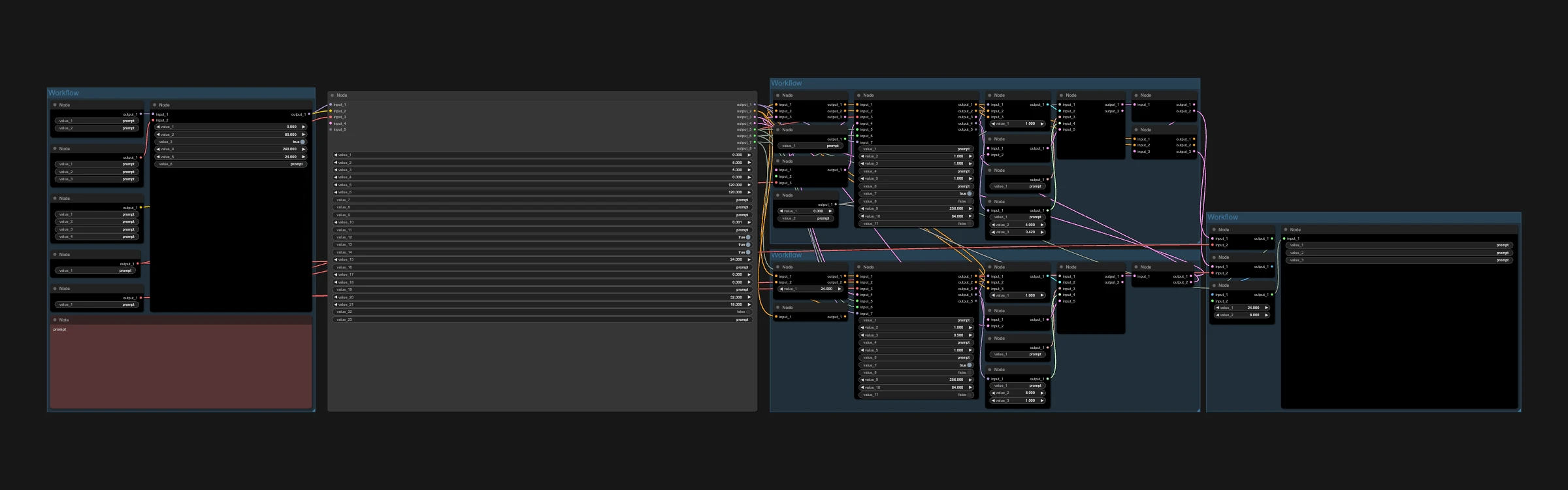
LTX 2.3 is a fast open-source AI video model that generates video and audio together. This workflow uses the LTX Director node by WhatDreamsCost, which works like a video editor timeline: instead of one prompt for the whole clip, you plan it beat by beat.
Great for:
Story-driven AI character videos with several actions
Keeping an AI influencer consistent with a global prompt and keyframe images
Cartoon shorts with planned start and end frames
How it works
Add prompt segments to the timeline, each with its own timing.
Drop in keyframe images as start, middle or end frames, and add your own audio if you like.
Write a global prompt for the character and scene, then run it. Two passes upscale the video and generate audio.
Recommended settings2
GPU
RTX 5090
RTX PRO 6000
Settings
Keep the workflow defaults. They are already tuned, so don't change them.

 Hugging Face