
MiniMax H3 reference to video
Use reference media and a written prompt to guide video generation with audio.
All workflows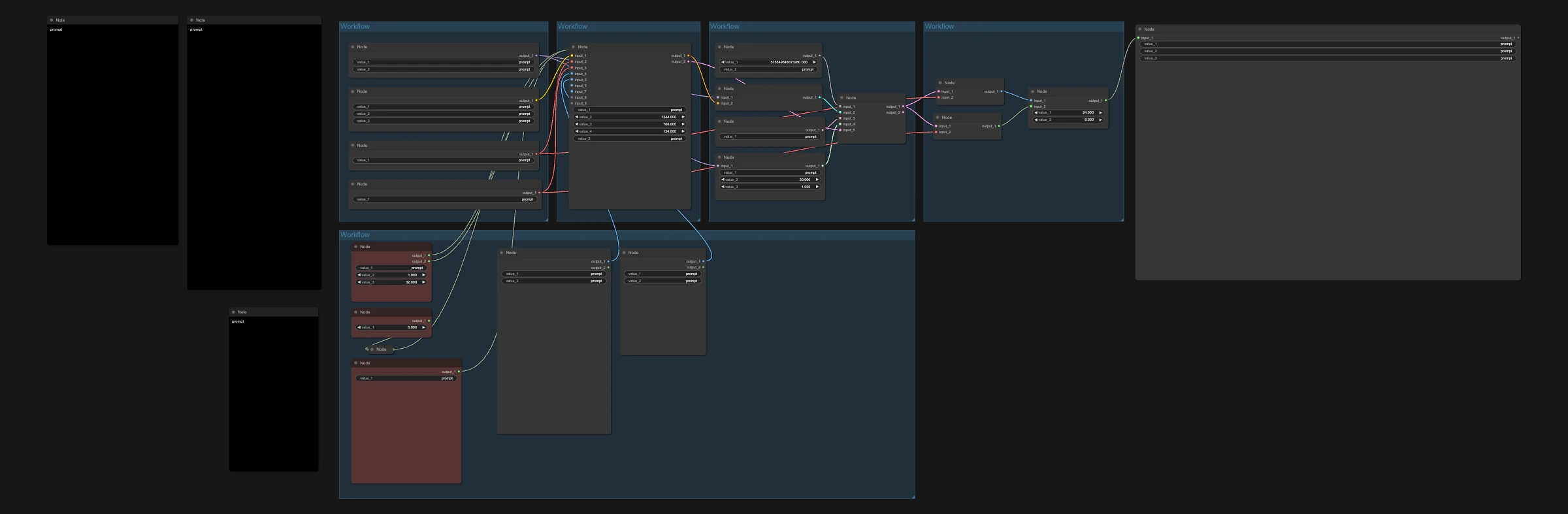
Workflow preview
23 KB · JSON file
Need a hand? Load your workflow or troubleshoot your Runpod setup.
- Replace prompt placeholders and supply your own input images, video or audio before running.
Models to download
Check the required model files before running this workflow.
- minimax_h3_audio_vae_fp32.safetensors (ComfyUI/models/vae)Model source for minimax_h3_audio_vae_fp32.safetensors (ComfyUI/models/vae)
- minimax_h3_ref2va_pruned_int8_convrot.safetensors (ComfyUI/models/diffusion_models)Model source for minimax_h3_ref2va_pruned_int8_convrot.safetensors (ComfyUI/models/diffusion_models)
- minimax_h3_video_vae_fp16.safetensors (ComfyUI/models/vae)Model source for minimax_h3_video_vae_fp16.safetensors (ComfyUI/models/vae)
- qwen3vl_32b_minimax_h3_int8_convrot.safetensors (ComfyUI/models/text_encoders)Model source for qwen3vl_32b_minimax_h3_int8_convrot.safetensors (ComfyUI/models/text_encoders)