Text-to-video with MiniMax H3 where AI writes the prompt for you. Give a simple idea and get an AI video with sound in ComfyUI.
MiniMax H3Text → Video, AudioAdvanced
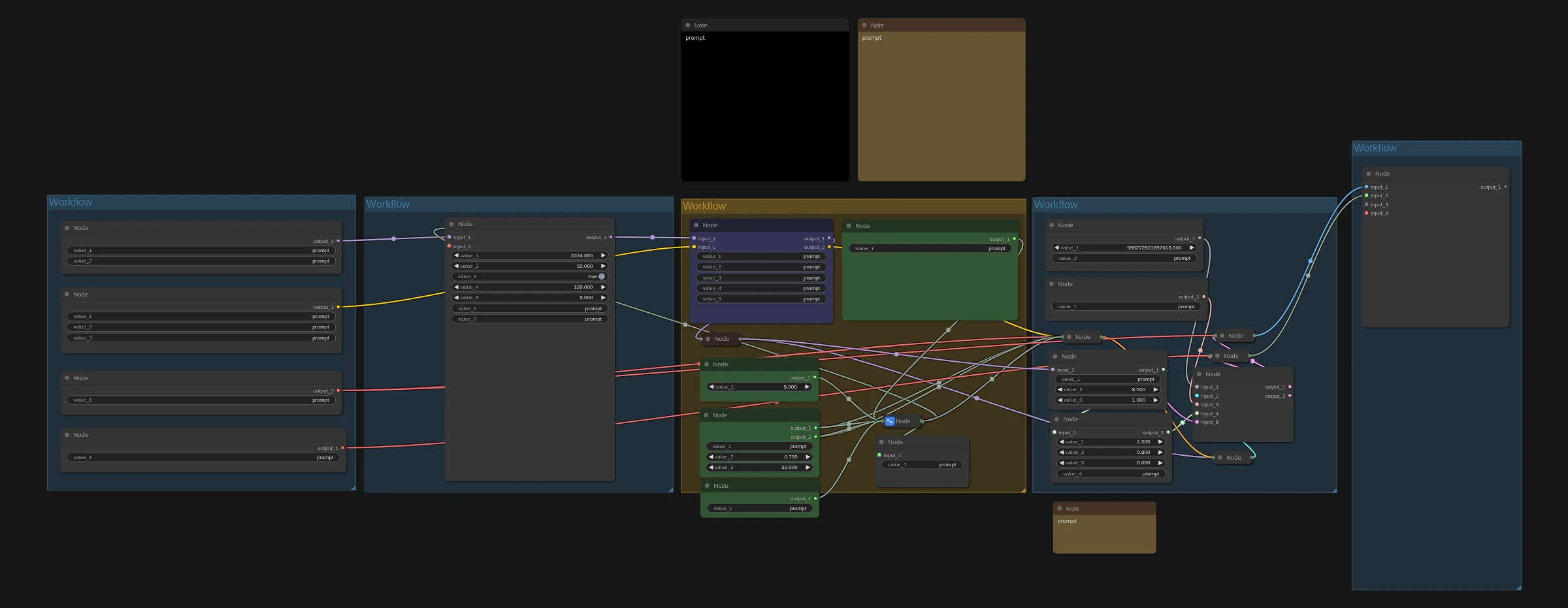
MiniMax H3 is an open AI video model that generates video with sound in one pass: voices, sound effects and ambience come out already synced to the picture. Here you only type a short idea. Gemini 3 Flash (through OpenRouter) expands it into the detailed, structured prompt MiniMax H3 needs.
Great for:
Beginners who don't want to learn prompt formats
Quick AI influencer and character video ideas
Cartoon and story clips from one sentence
How it works
Add your OpenRouter API key.
Type a short idea, like "a cartoon fox dancing in the rain".
Run it. The prompt is written for you and the video comes out with audio.
Make it yours with LoRAs
This workflow supports LoRAs. Grab character, style, anime or cartoon LoRAs from CivitAI or Hugging Face, drop them into the LoRA loader, and keep your AI character looking the same in every shot.
Recommended settings6
GPU
H100
H200
RTX PRO 6000
RTX 5090
Sampler
euler
res_multistep
Scheduler
simple
Turbo LoRA
LightX2V 8-step turbo LoRA
Steps
8 with the turbo LoRA at full strength
10-12 with the turbo LoRA at lower strength for better quality

 Hugging Face