Keep your AI character consistent with Qwen Image 2.1: add up to 10 reference images and a prompt. Free ComfyUI reference editing workflow.
Qwen Image 2.1Text, Image → ImageBeginner
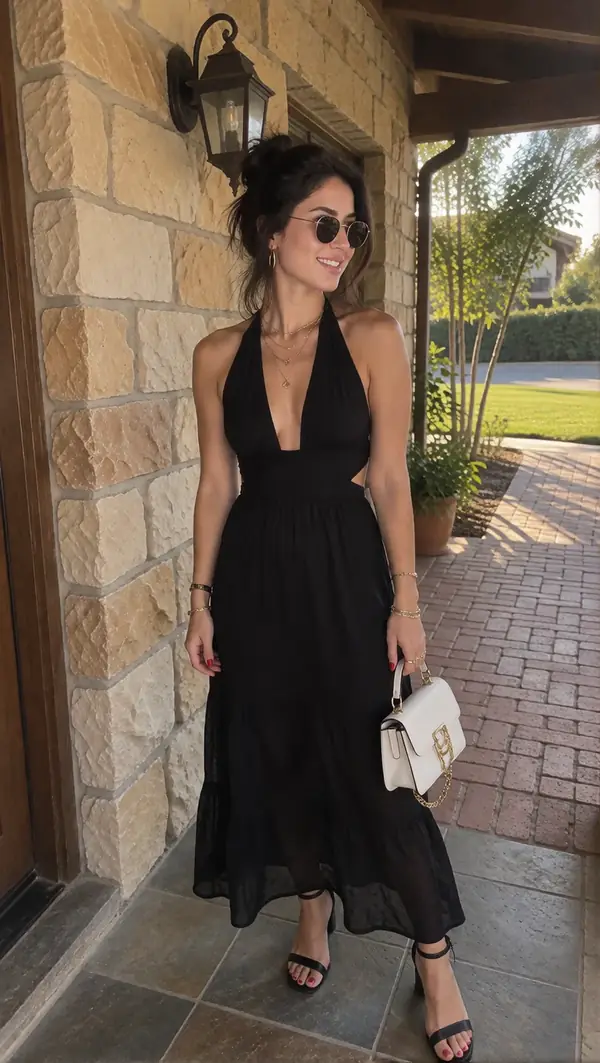
Qwen Image 2.1 is the newest Qwen image model: sharper, higher resolution (up to 2048 and beyond) and much better at following prompts. This version accepts up to 10 reference images, so it can keep your character, outfit or product the same in a new scene.
Great for:
Consistent AI influencer photos across scenes
Placing a character with products or locations
Editing and restyling images
How it works
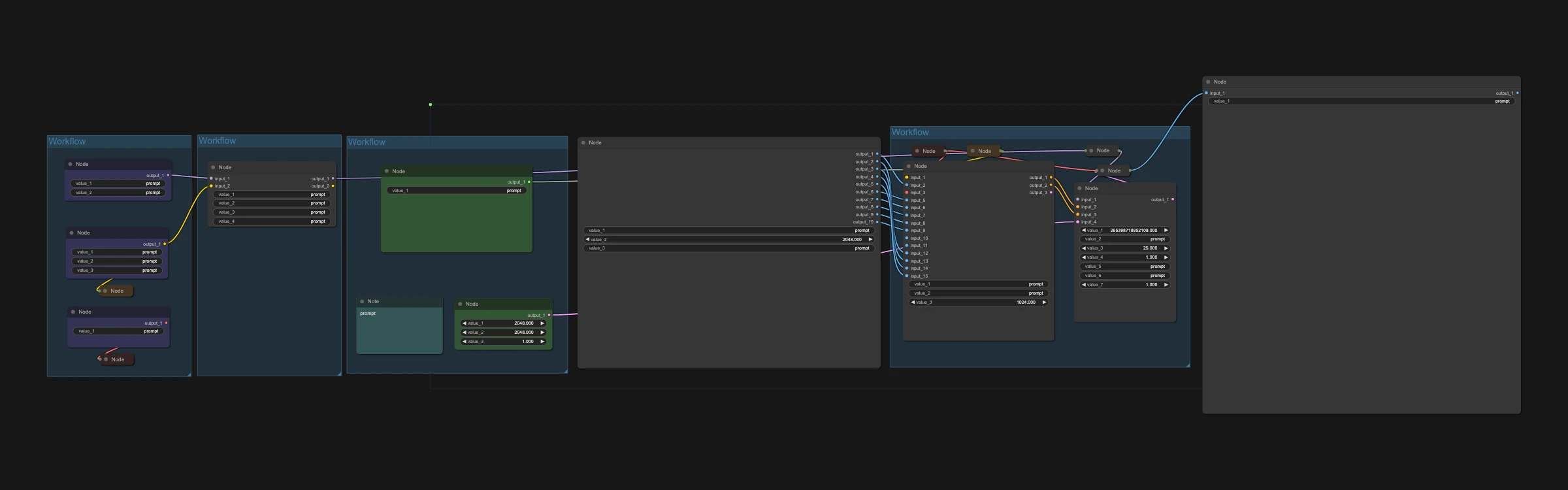
Load your reference images.
Describe the new image.
Run it.
Make it yours with LoRAs
This workflow supports LoRAs. Grab character, style, anime or cartoon LoRAs from CivitAI or Hugging Face, drop them into the LoRA loader, and keep your AI character looking the same in every shot.

 Hugging Face