
Qwen Image 2512
Free Qwen Image 2512 text-to-image ComfyUI workflow. Create realistic AI influencer photos, AI characters and cartoon art from a prompt.
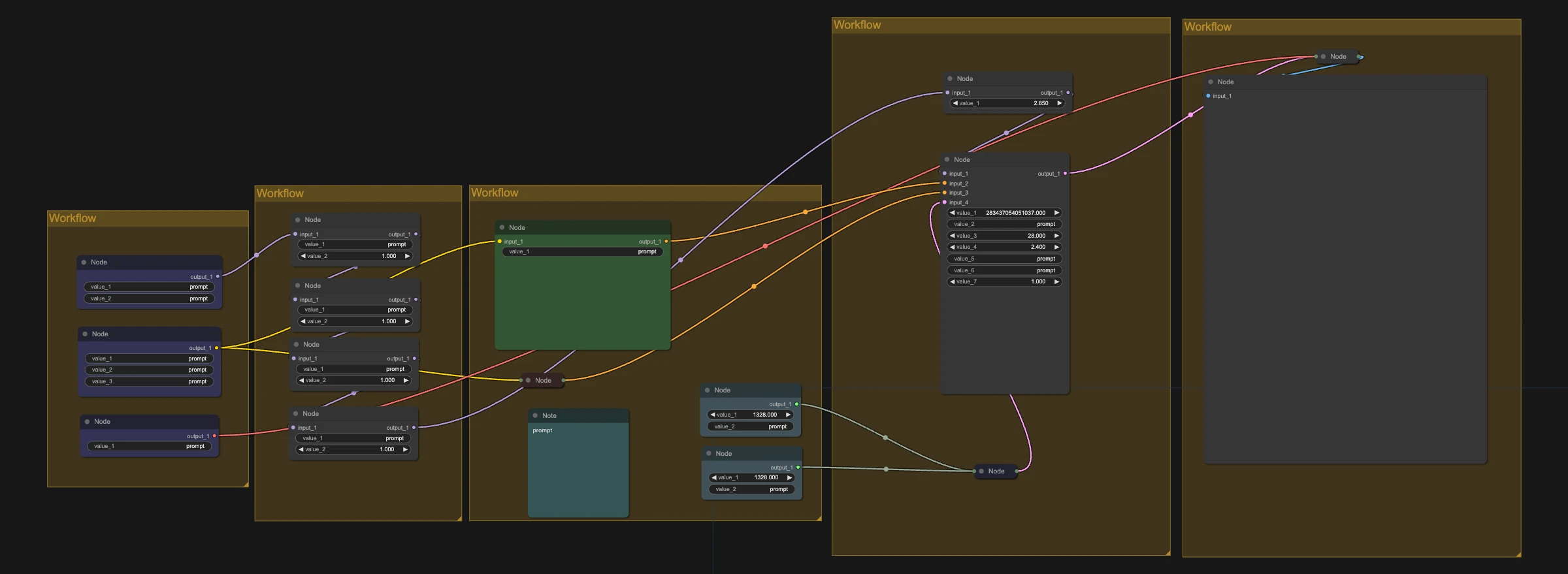
Qwen Image is a powerful open-source AI image model, excellent at realistic people, text in images and following detailed prompts. This is the simplest way to start: type a prompt and get an image.
Great for:
- Realistic AI influencer photos
- AI character and cartoon art
- Images with readable text
How it works
- Write your prompt.
- Pick a size from the resolution table in the workflow.
- Run it.
Fast or best quality?
With the Lightning LoRA, Qwen needs only 8 steps at CFG 1, so images come out much faster. Without it, use about 25 steps and a CFG above 1: generation takes longer, but quality is noticeably better.
Make it yours with LoRAs
This workflow supports LoRAs. Grab character, style, anime or cartoon LoRAs from CivitAI or Hugging Face, drop them into the LoRA loader, and keep your AI character looking the same in every shot.
Recommended settings5
- GPU
- H100
- RTX PRO 6000
- RTX 5090 (fp8 weights only)
- Sampler
- res_2s
- euler
- Scheduler
- beta
- simple
- sgm_uniform
- Fast (Lightning LoRA)
- 8 steps, CFG 1
- Best quality (no Lightning)
- 25 steps, the workflow's default CFG (above 1)
Models to download
- qwen_2.5_vl_7b_fp8_scaled.safetensorsComfyUI/models/text_encoders
 Hugging Face
 - qwen_image_2512_bf16.safetensorsComfyUI/models/diffusion_modelsHugging Face
- qwen_image_vae.safetensorsComfyUI/models/vaeHugging Face
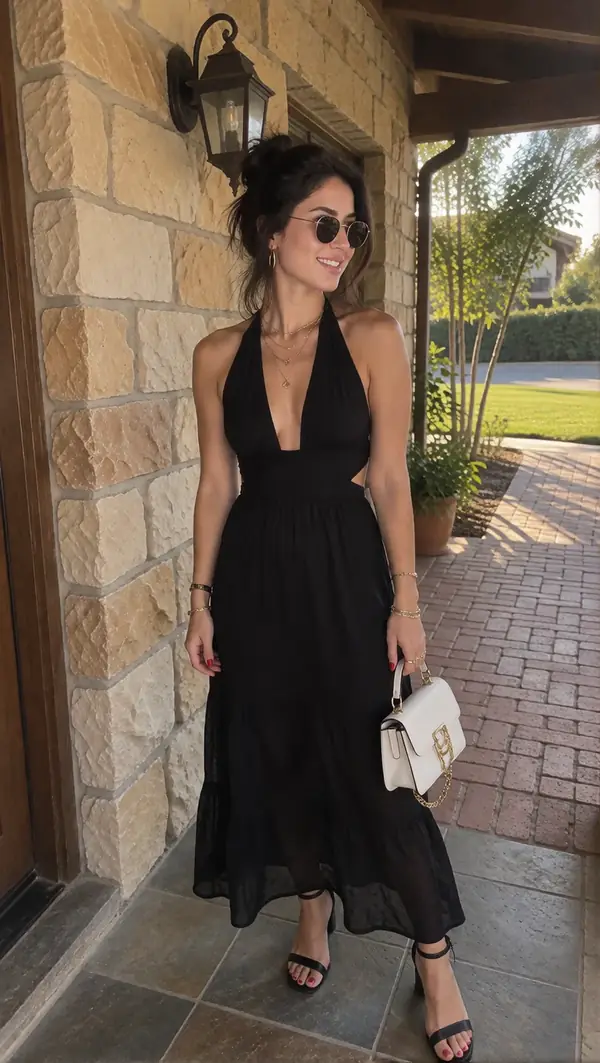
Want the same face in every shot?
The kit adds a Krea 2 character LoRA training, two ready ComfyUI workflows and a step-by-step guide · $69.99 one-time.
Learn more