Free Wan 2.1 text-to-video ComfyUI workflow with smooth 60 fps interpolation. Create AI character and cartoon videos from a prompt.
Wan 2.1Text → VideoAdvanced
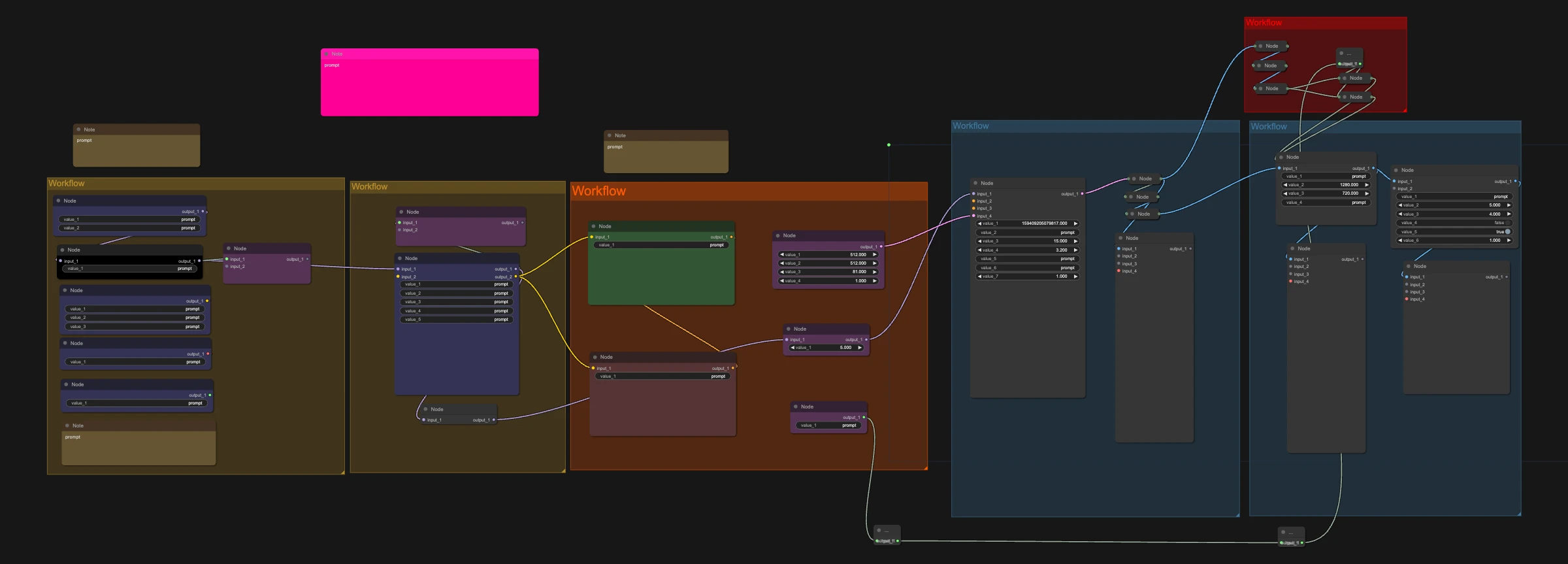
Wan 2.1 is a proven open-source AI video model with a huge library of community LoRAs. Type a prompt, generate a clip and get a smooth 60 fps version.
Great for:
AI character and influencer clips
Cartoon and anime scenes using Wan 2.1 LoRAs
Smooth, social-ready video
How it works
Write your prompt.
Run it.
Get the original clip and a smooth 60 fps version.
Make it yours with LoRAs
This workflow supports LoRAs. Grab character, style, anime or cartoon LoRAs from CivitAI or Hugging Face, drop them into the LoRA loader, and keep your AI character looking the same in every shot.

 Hugging Face