Animate any image with Wan 2.2 image-to-video in ComfyUI, with 60 fps frame interpolation. Bring AI influencers and cartoon characters to life.
Wan 2.2Image, Text → VideoAdvanced
Wan 2.2 is one of the most popular open-source AI video models, known for realistic motion and strong prompt following. Start from your own image, so your AI character keeps its exact look, and get a smooth 60 fps clip.
Great for:
Animating AI influencer photos
Cartoon and anime character animation
Turning AI art into short videos
How it works
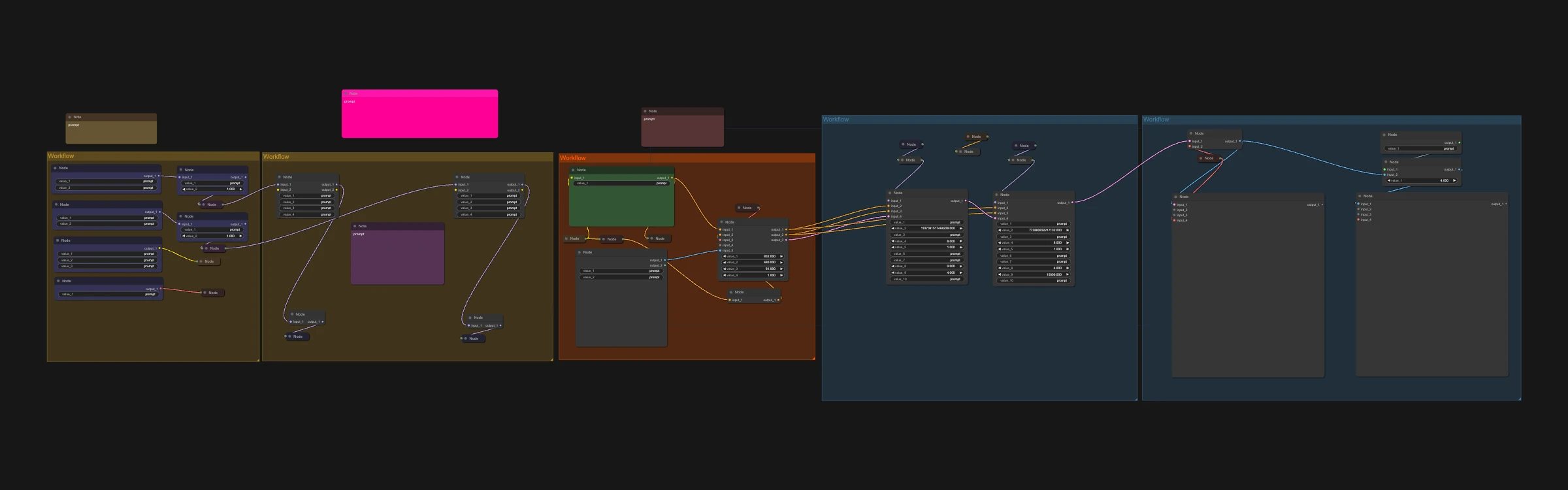
Load your image.
Describe the motion you want.
Run it and get a 16 fps video and a smooth 60 fps version.
Tip for higher quality
Remove the turbo LoRA from the high noise sampler, raise CFG to 2.2-3 and add a few more steps. Generation gets slower, but motion and detail improve.
Make it yours with LoRAs
This workflow supports LoRAs. Grab character, style, anime or cartoon LoRAs from CivitAI or Hugging Face, drop them into the LoRA loader, and keep your AI character looking the same in every shot.

 Hugging Face