
Wan 2.2 text to image
Use the Wan 2.2 video model to make photorealistic AI images from text. A free ComfyUI workflow for AI influencer and character photos.
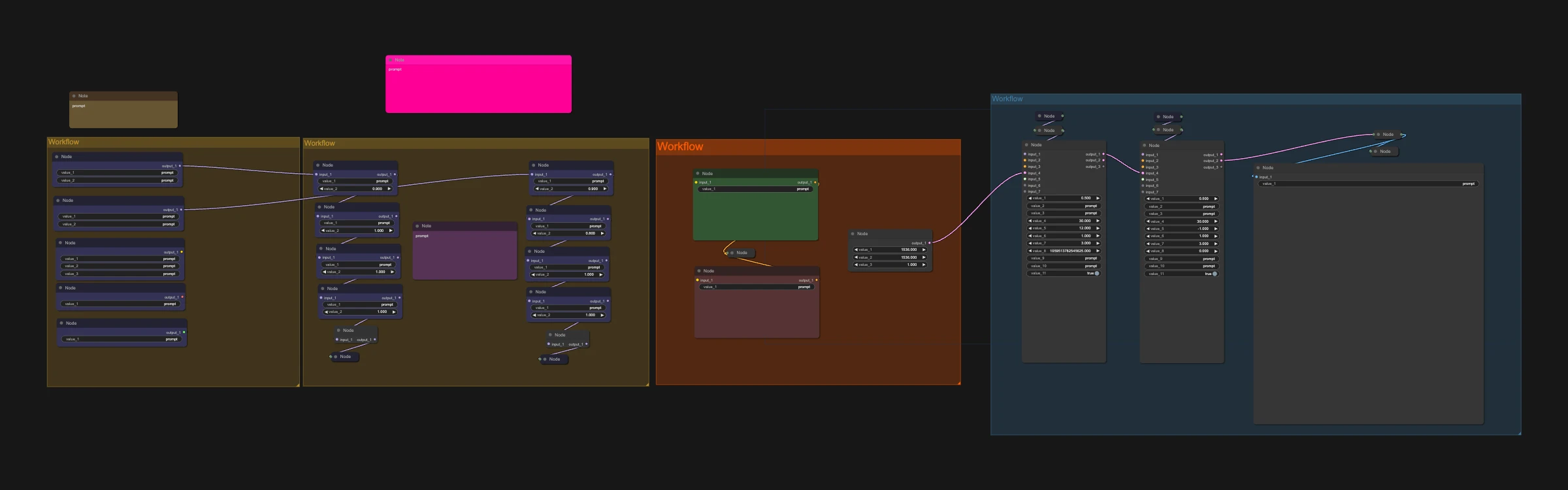
Wan 2.2 is one of the most popular open-source AI video models, known for realistic motion and strong prompt following. It also makes excellent still images: this workflow renders a single high-resolution frame, which often looks more natural than image-only models.
Great for:
- Realistic AI influencer photos
- Character portraits and concept art
- Start frames for your Wan videos
How it works
- Write your prompt.
- Run it through the high noise and low noise stages.
- Save your 1536x1536 image.
Tip for higher quality
Remove the turbo LoRA from the high noise sampler, raise CFG to 2.2-3 and add a few more steps. Generation gets slower, but motion and detail improve.
Make it yours with LoRAs
This workflow supports LoRAs. Grab character, style, anime or cartoon LoRAs from CivitAI or Hugging Face, drop them into the LoRA loader, and keep your AI character looking the same in every shot.
Recommended settings6
- GPU
- H100
- H200
- RTX PRO 6000
- RTX 5090
- Sampler
- euler
- res_2s (better quality, slower)
- Scheduler
- simple
- beta
- Turbo LoRA
- LightX2V turbo LoRA
- Steps
- 3 per sampler (high noise and low noise)
- CFG
- 1
Models to download
- 4xLSDIR.pthComfyUI/models/upscale_models
 Hugging Face
 - umt5_xxl_fp8_e4m3fn_scaled.safetensorsComfyUI/models/text_encodersHugging Face
- wan_2.1_vae.safetensorsComfyUI/models/vaeHugging Face
- wan2.2_t2v_high_noise_14B_fp16.safetensorsComfyUI/models/diffusion_modelsHugging Face
- wan2.2_t2v_low_noise_14B_fp16.safetensorsComfyUI/models/diffusion_modelsHugging Face