
Wan Animate
Free Wan Animate motion transfer workflow: put your AI character or AI influencer into any video. Character image plus driving video equals AI video.
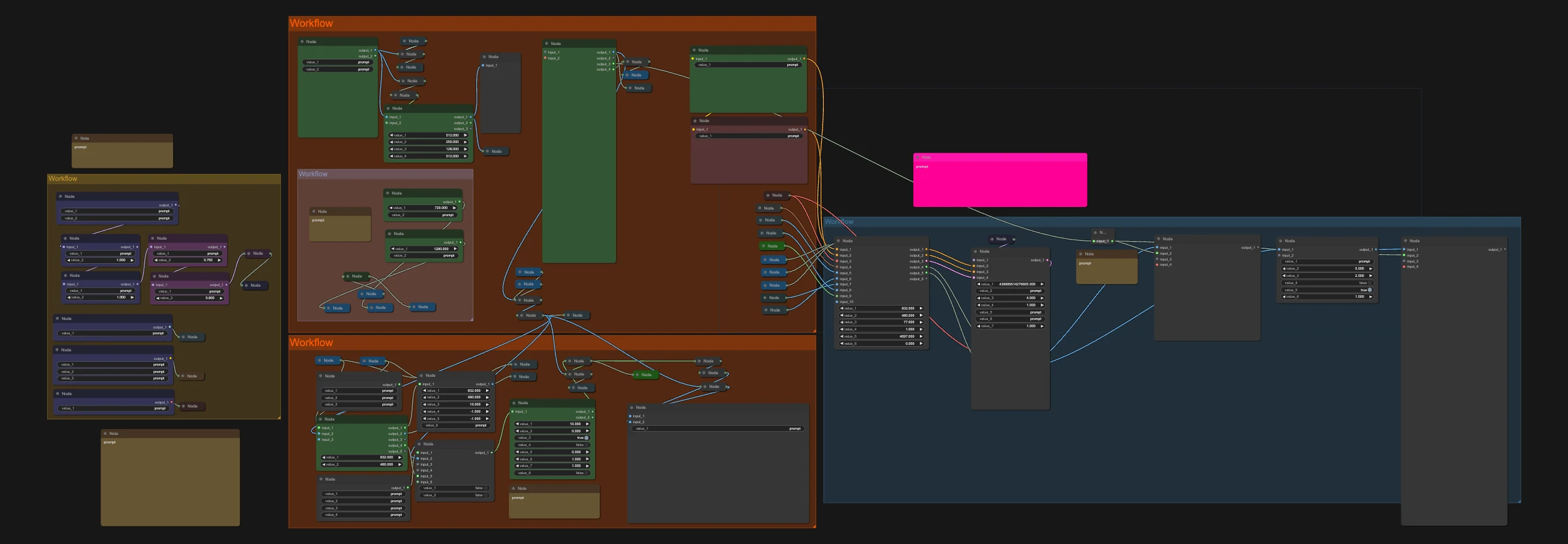
Motion transfer puts your character into any video. Add a character image and a driving video (a dance, a walk, a talking clip) and the workflow repaints the video with your character copying the motion. This version uses Wan Animate (Wan 2.2) to replace the person in the video with your character.
Great for:
- AI influencers doing trending dances
- Turning a cartoon character into a real performer
- Character swaps in existing clips
How it works
- Load your character image.
- Load the driving video.
- Run it. Your character takes over the motion, with a smooth frame-interpolated version included.
Want better results with less work?
Wan Animate / SCAIL 2 God Mode is the plug-and-play version of this workflow. It includes both Wan Animate and SCAIL 2 in one pack and adds:
- Automatic prompting: an AI prompt writer fills in the prompt for you
- Sharper, smoother video: detail passes, upscaling and frame interpolation
- More control: replace the person, keep the original background, or replace a custom region
- Ready to run: a matching RunPod template, a step-by-step guide and a private Discord support channel
Make it yours with LoRAs
This workflow supports LoRAs. Grab character, style, anime or cartoon LoRAs from CivitAI or Hugging Face, drop them into the LoRA loader, and keep your AI character looking the same in every shot.
Recommended settings7
- GPU
- H100
- H200
- RTX PRO 6000
- RTX 5090
- Sampler
- euler
- Scheduler
- simple
- Turbo LoRA
- LightX2V turbo LoRA
- Steps
- 4
- CFG
- 1
- Shift
- 8
Models to download
- clip_vision_h.safetensorsComfyUI/models/clip_vision
 Hugging Face
 - i2v_lightx2v_low_noise_model.safetensorsComfyUI/models/lorasHugging Face
- umt5_xxl_fp8_e4m3fn_scaled.safetensorsComfyUI/models/text_encodersHugging Face
- vitpose_h_wholebody_model.onnxComfyUI/models/detectionHugging Face
- wan_2.1_vae.safetensorsComfyUI/models/vaeHugging Face
- wan2.2_animate_14B_int8_convrot.safetensorsComfyUI/models/diffusion_modelsHugging Face
- wan2.2_animate_14B_relight_lora_bf16.safetensorsComfyUI/models/lorasHugging Face
- yolov10m.onnxComfyUI/models/detectionHugging Face
- dw-ll_ucoco_384_bs5.torchscript.pt (ComfyUI/custom_nodes/comfyui_controlnet_aux/ckpts/hr16/DWPose-TorchScript-BatchSize5)Hugging Face
- rife49.pth (ComfyUI/custom_nodes/ComfyUI-Frame-Interpolation/ckpts/rife)Hugging Face
- sam2.1_hiera_base_plus.safetensorsComfyUI/models/sam2Hugging Face
- yolox_l.onnx (ComfyUI/custom_nodes/comfyui_controlnet_aux/ckpts/yzd-v/DWPose)Hugging Face
- vitpose_h_wholebody_data.binComfyUI/models/detectionHugging Face
Setup notes
- Save wan2.2_i2v_A14b_low_noise_lora_rank64_lightx2v_4step_1022.safetensors as ComfyUI/models/loras/i2v_lightx2v_low_noise_model.safetensors.
- ViTPose requires both the ONNX graph and vitpose_h_wholebody_data.bin in ComfyUI/models/detection.
- RIFE downloads its checkpoint on first use; the listed path is the frame-interpolation node's default cache.
- DWPose downloads its selected detector and pose model on first use; custom cache settings may change the listed paths.