Save your AI character as a MiniMax H3 RefMod from a few photos. No LoRA training: a fast way to keep AI influencers consistent.
MiniMax H3Image → Reference packAdvanced
A RefMod replaces LoRA training for MiniMax H3. Instead of training a LoRA, you save a reusable reference of a character, a video or a sound in a few minutes, then load it whenever you generate.
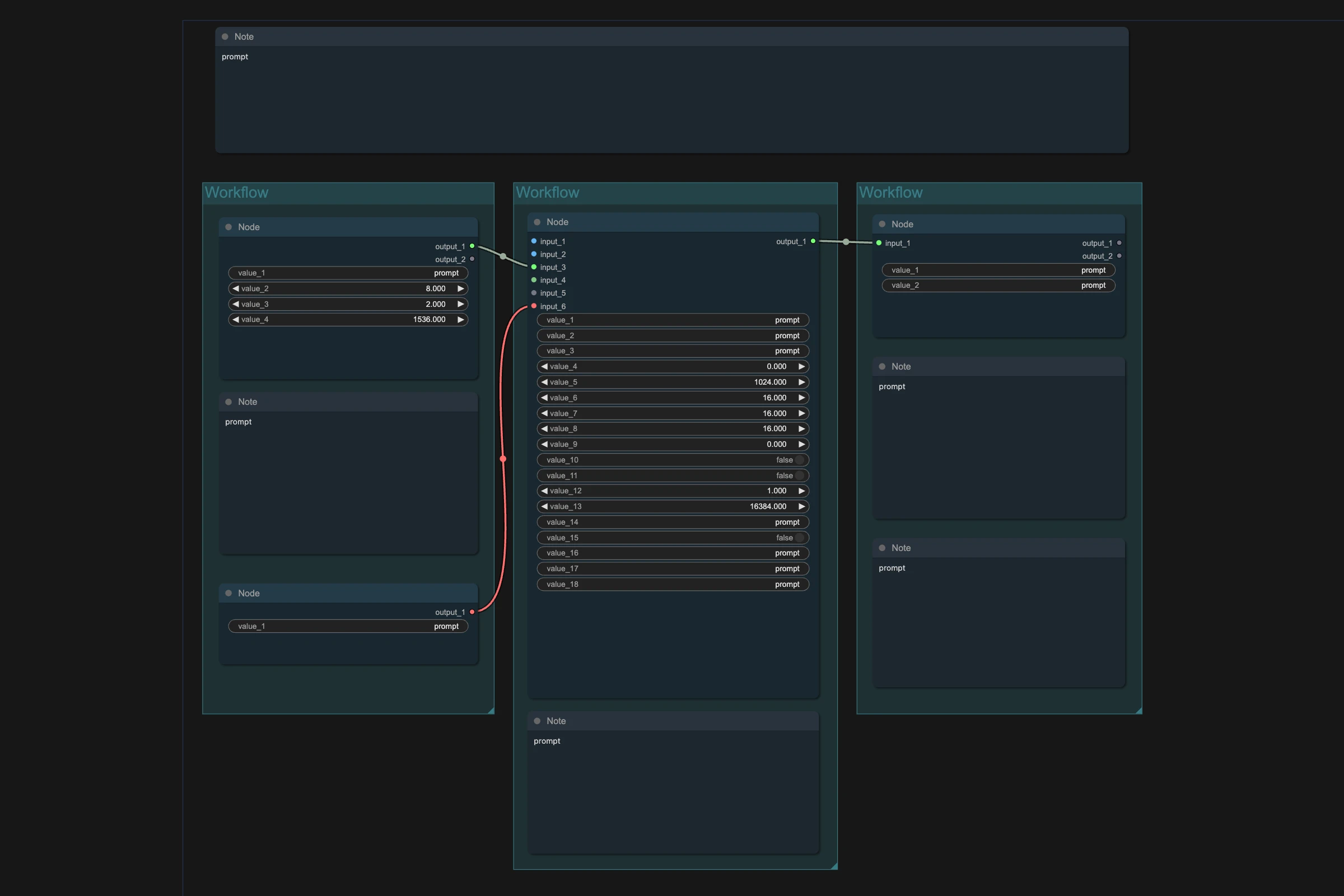
The RefMod pack has four workflows: three that create RefMods (from images, video or audio) and the main MiniMax H3 RefMod workflow that uses them. This workflow turns photos of a person or character into an image RefMod.
Great for:
AI influencers you want to reuse in many videos
Cartoon and anime characters
Any character you'd otherwise train a LoRA for
How it works
Put your character photos in the input folder. 3-5 clear portraits work, and you can use more.

 Hugging Face