
MiniMax H3 RefMod
Skip LoRA training: load saved RefMods of your character, video or voice into MiniMax H3 and make consistent AI video with sound.
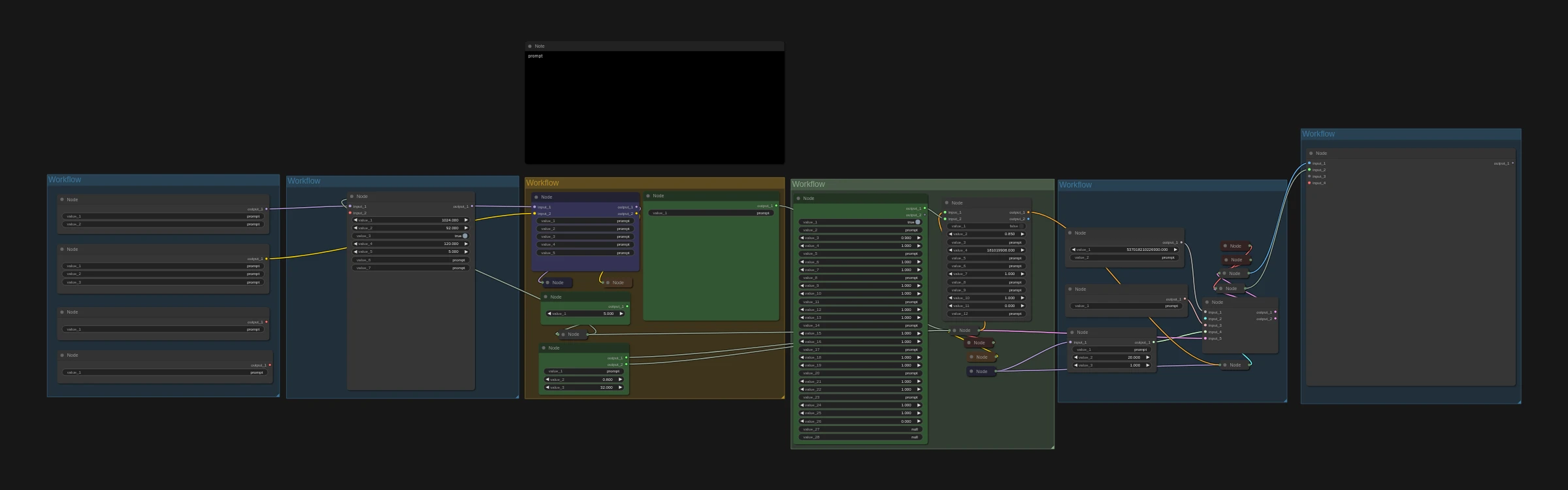
A RefMod replaces LoRA training for MiniMax H3. Instead of training a LoRA, you save a reusable reference of a character, a video or a sound in a few minutes, then load it whenever you generate.
The RefMod pack has four workflows: three that create RefMods (from images, video or audio) and the main MiniMax H3 RefMod workflow that uses them. For example, feed 24 photos of your AI influencer into the image workflow, save a RefMod, and load it here to generate videos of that exact character.
Great for:
- Consistent AI influencers without training a LoRA
- Recurring cartoon and anime characters
- Reusing a motion or a sound across many videos
How it works
- Create RefMods with the image, video or audio workflows.
- Load up to eight RefMods here.
- Write your scene and run it to get a video with audio.
Make it yours with LoRAs
This workflow supports LoRAs. Grab character, style, anime or cartoon LoRAs from CivitAI or Hugging Face, drop them into the LoRA loader, and keep your AI character looking the same in every shot.
Recommended settings2
- GPU
- H100
- H200
- RTX PRO 6000
- RTX 5090
- Settings
- Keep the workflow defaults
Models to download
- minimax_h3_audio_vae_fp32.safetensorsComfyUI/models/vae
 Hugging Face
 - minimax_h3_ref2va_pruned_int8_convrot.safetensorsComfyUI/models/diffusion_modelsHugging Face
- minimax_h3_video_vae_fp16.safetensorsComfyUI/models/vaeHugging Face
- qwen3vl_32b_minimax_h3_int8_convrot.safetensorsComfyUI/models/text_encodersHugging Face
- taeh3.safetensorsComfyUI/models/vae_approxHugging Face